.png)
How to Apply Discount CodeUpdated 7 months ago
Step One: Add your favourite products to your cart.
Step Two: Proceed to checkout.
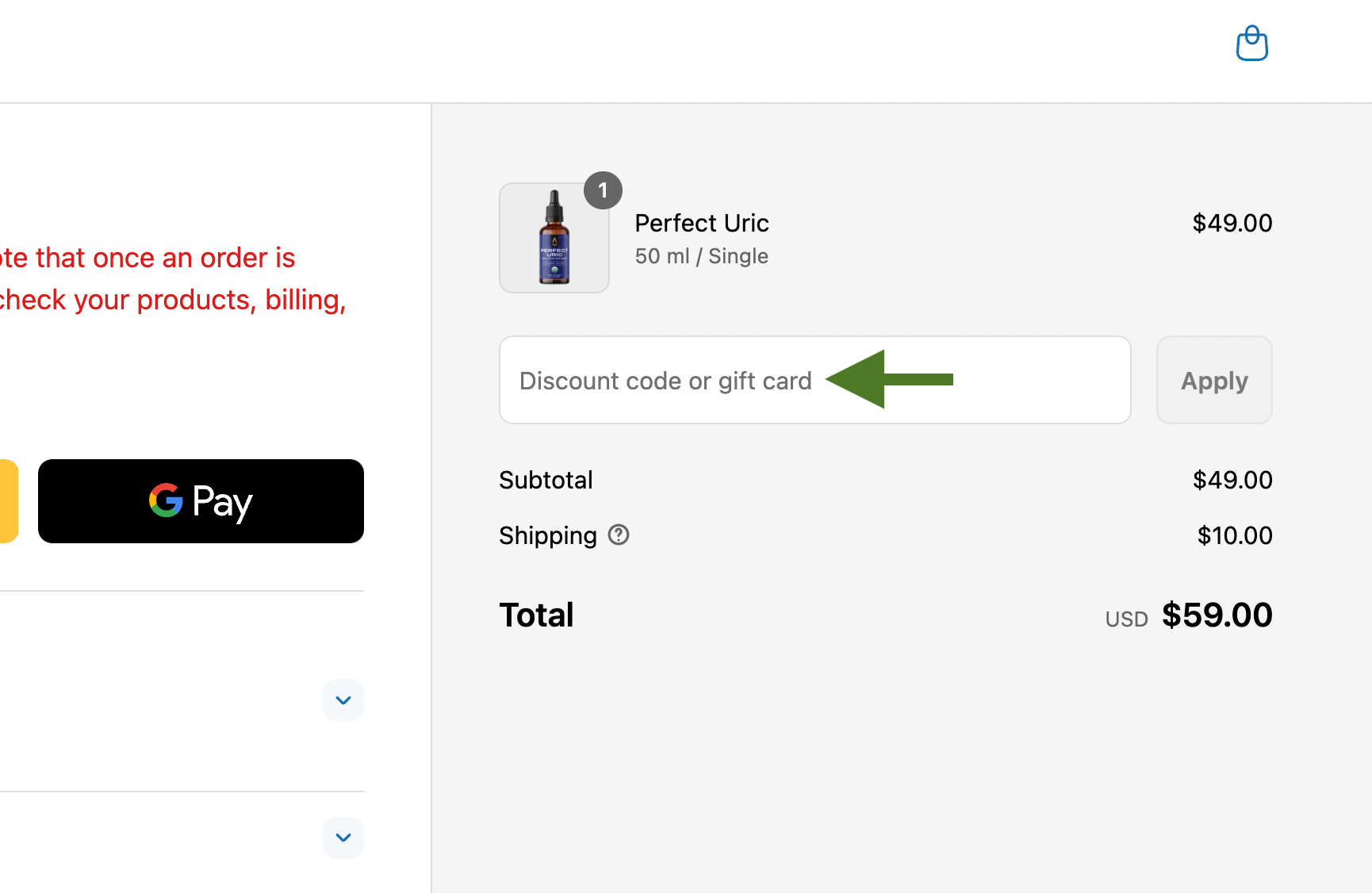
Step Three: Enter your code in the “Discount code or Gift Card” field and click Apply.
Discounts on Subscriptions
Most discount codes can’t be applied to subscriptions, since they’re intended for one-time purchases. VIP Members are the exception – VIP discounts can be applied to all future subscription renewals while your membership is active.
If you’re not sure whether your code works for a subscription, email us your discount code at ✉️ [email protected] and we’ll check for you.
💸 How Discounts Work
Discounts are applied at checkout after you’ve added items to your cart. Here’s what to keep in mind so your code works smoothly:
- Log in first – Some codes are personalized and linked to your email. Make sure you’re signed in for your code to apply correctly.
- Sales & promotions may exclude additional codes – Most discount codes can’t be used on items already part of a sale or promotion. Typically, only VIP discounts stack on top of existing offers.
- Single-bottle only – Some codes are valid for individual products only. Bundles, multi-packs, and subscriptions are often excluded because they’re already discounted.
- One-time use or expired – Some codes may have already been used or expired. If you’re unsure, we’re happy to help! ✉️ [email protected]
- One discount per order – Discount stacking isn’t allowed.
- VIP Members may have exceptions – See the VIP section below for rules and benefits.