.png)
Manage Your SubscriptionUpdated 7 months ago
You can access and manage everything inside your account anytime.
👉 Log in here: activationproducts.com/login
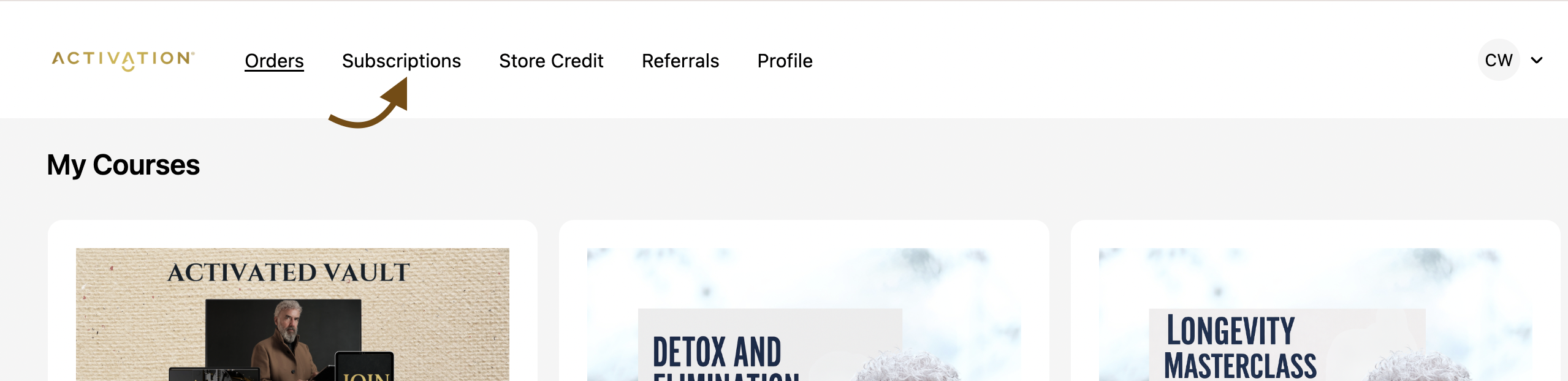
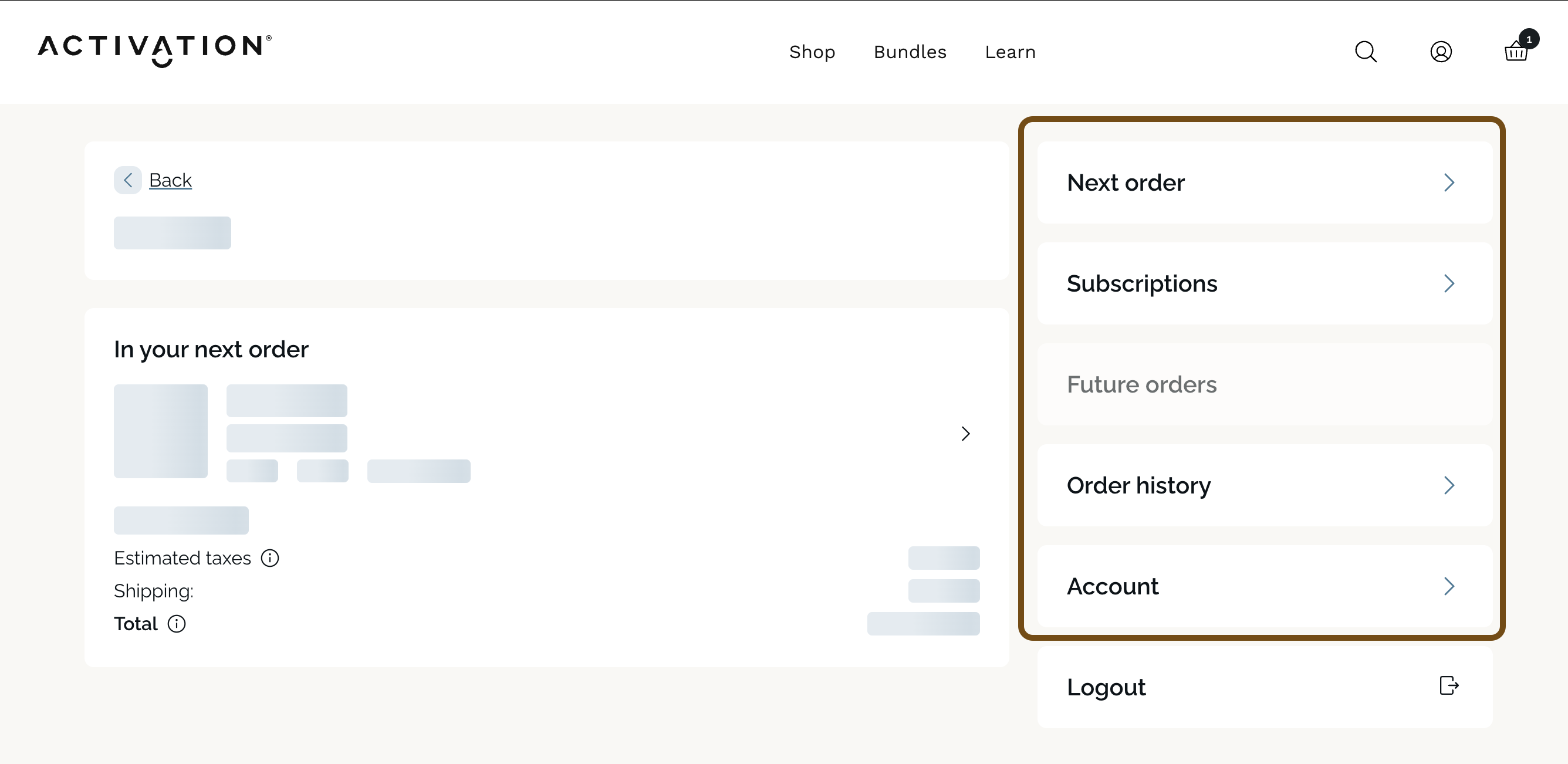
Once logged in, click the Subscriptions tab at the top. On mobile, this may appear further down the page
You’ll enter your subscription portal where you can:
- View upcoming orders
- Skip shipments
- Swap products
- Change dates or frequency
- Cancel if needed
If you ever have trouble accessing or managing your subscription, just send us an email at:
[email protected]!