.png)
Skip, Swap or CancelUpdated 7 months ago
Life changes — and your subscription can too! You can make any adjustments to your subscription, just be sure to do so before it renews at midnight on the scheduled date. Inside your subscription portal you can:
✔ Skip an upcoming shipment
✔ Swap to a different product
✔ Adjust delivery frequency
✔ Change your next order date
✔ Cancel product subscriptions
To update your subscription, log in to your account 👉 activationproducts.com/login
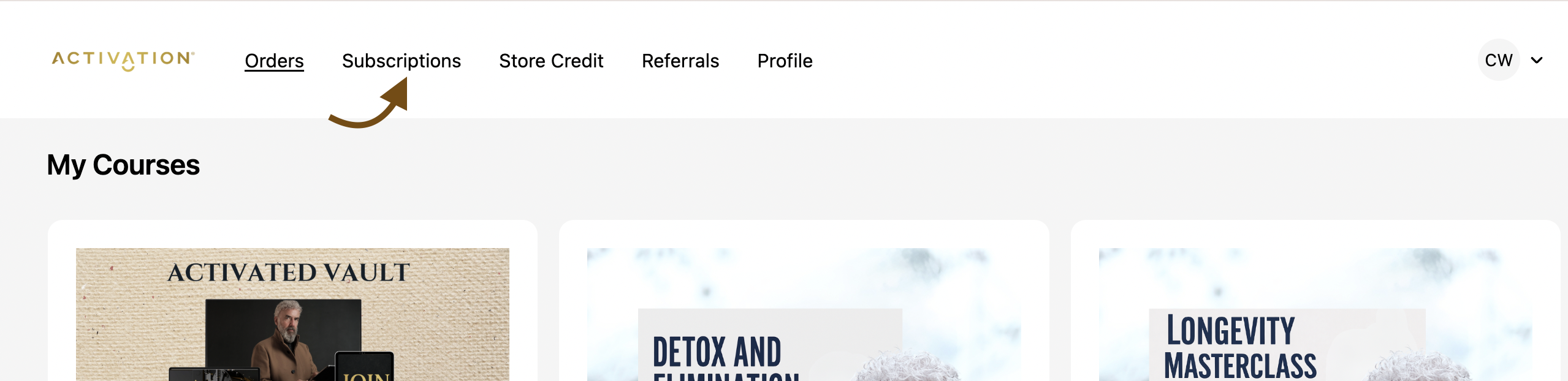
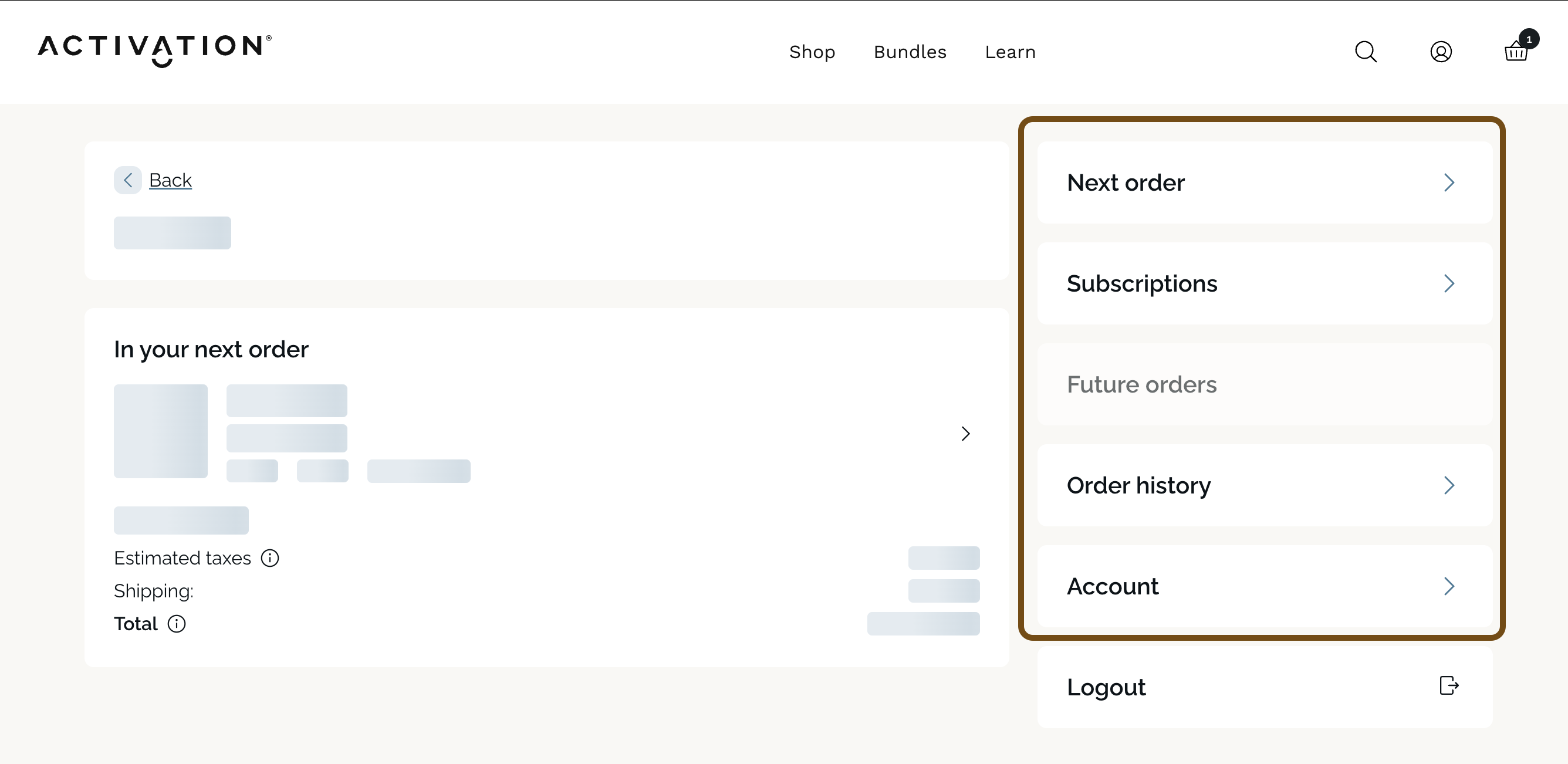
Once logged in, click the Subscriptions tab at the top. On mobile, this may appear further down the page.
If you ever have trouble managing your subscription, just email us at [email protected] and let us know the updates you’d like to make!